3D Throw
See your throw in 3D.
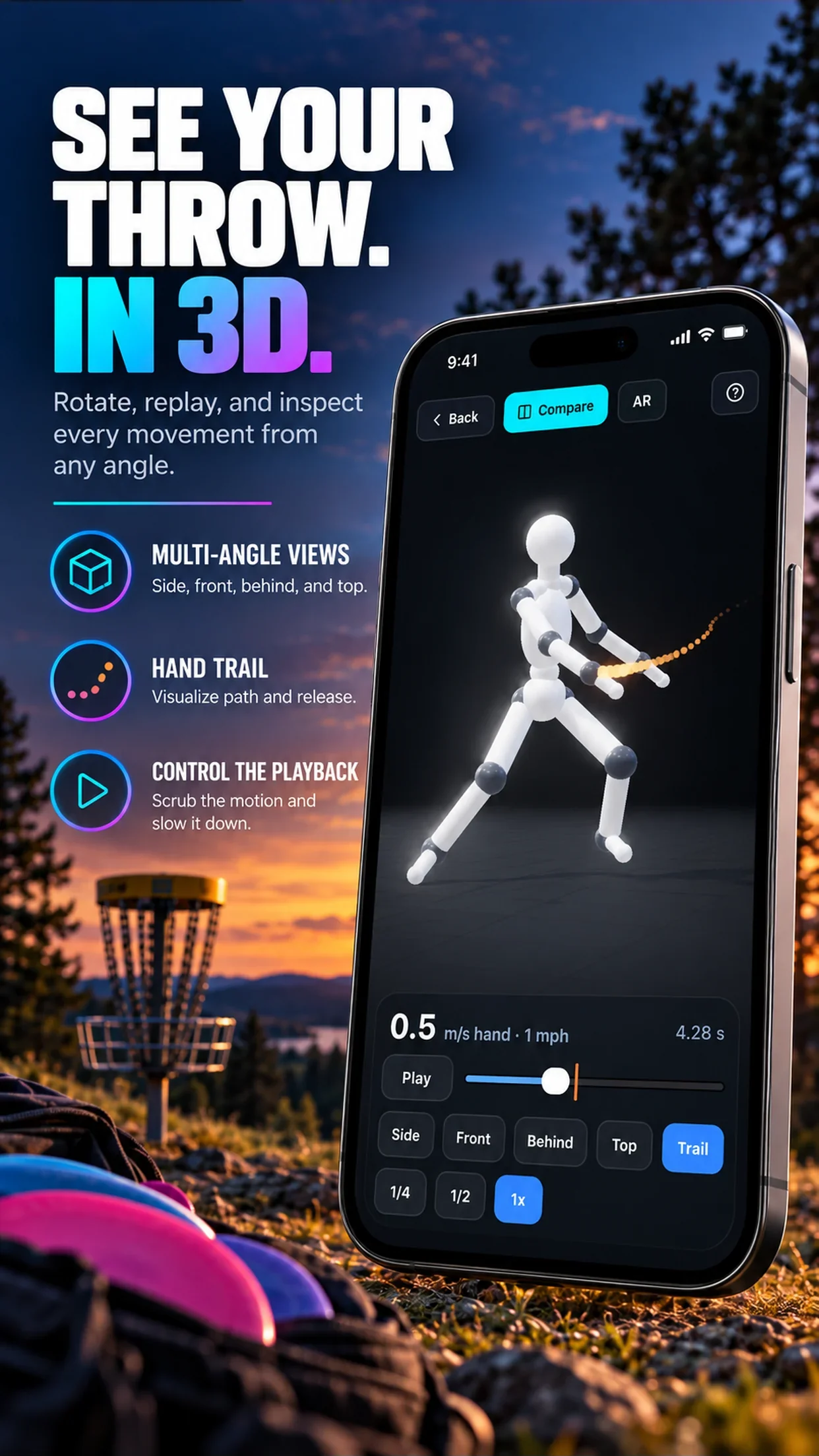
Any throw video becomes a 3D body you can spin to any angle, slow to quarter speed and compare side by side. On iPhone, place it life-size on the ground and walk around it.
01 · Try it here
Drag to spin it.
This is a real backhand rebuilt by the app from an ordinary phone video. In the app you get the same view of your own throw, with view presets, a scrubber, the release marker and speed controls.
02What you can do
Built to study a throw.
Any angle
Side, front, behind and a top-down view, or drag to any angle in between.
Slow motion
Play at 1/4 or 1/2 speed, or scrub frame by frame. The orange mark on the slider is your release.
Hand trail
A glowing trail follows your throwing hand so you can see the path of the pull.
Zoom anywhere
Pinch in to study your arm or feet, pinch out to see the whole run-up.
03 · Compare and AR
Two throws. One release.
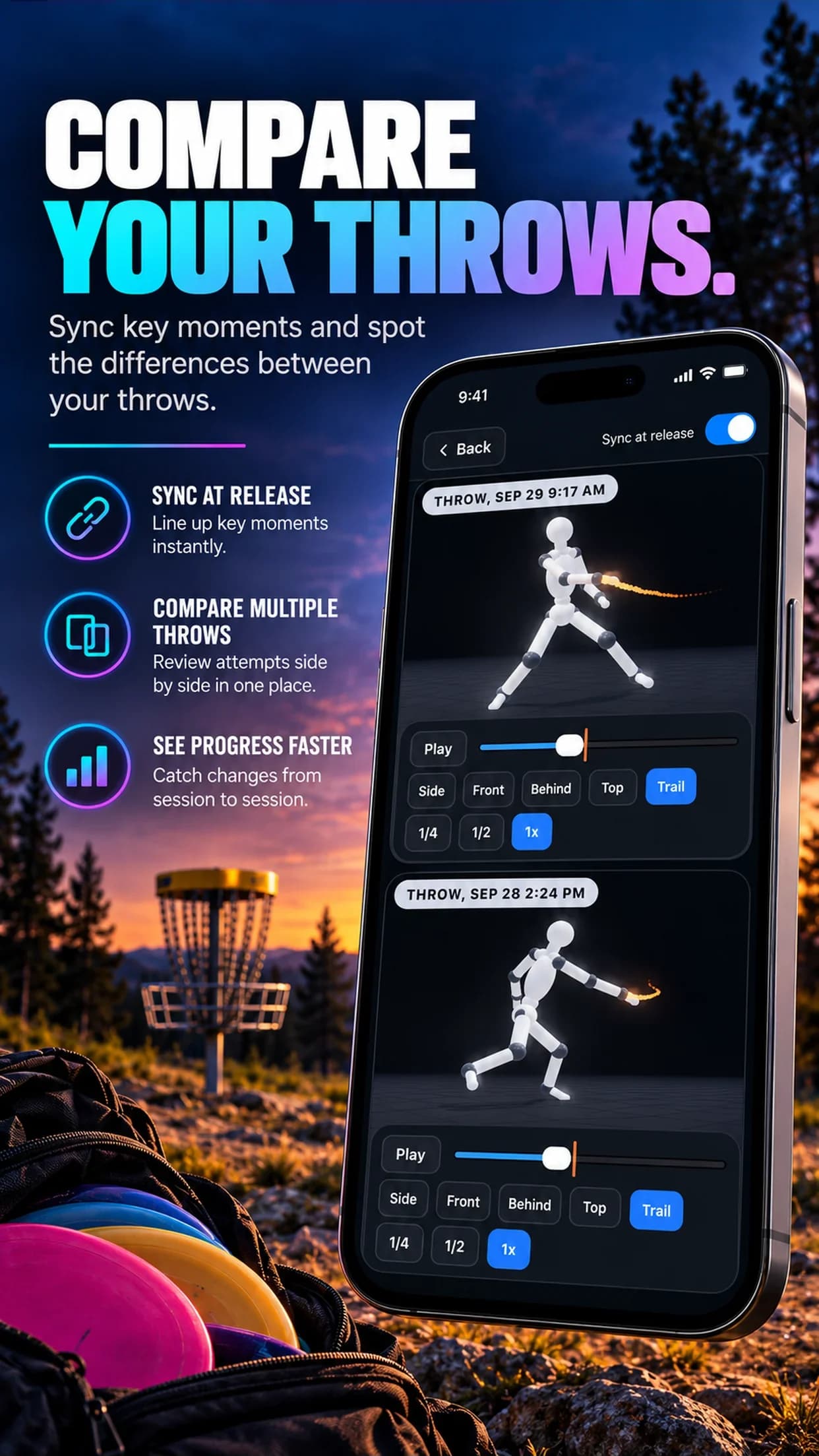
Put two 3D throws on screen together, each at its own speed. Turn on Sync at release and both line up at the moment the disc leaves the hand, so you can see exactly what changed between a good throw and a bad one.
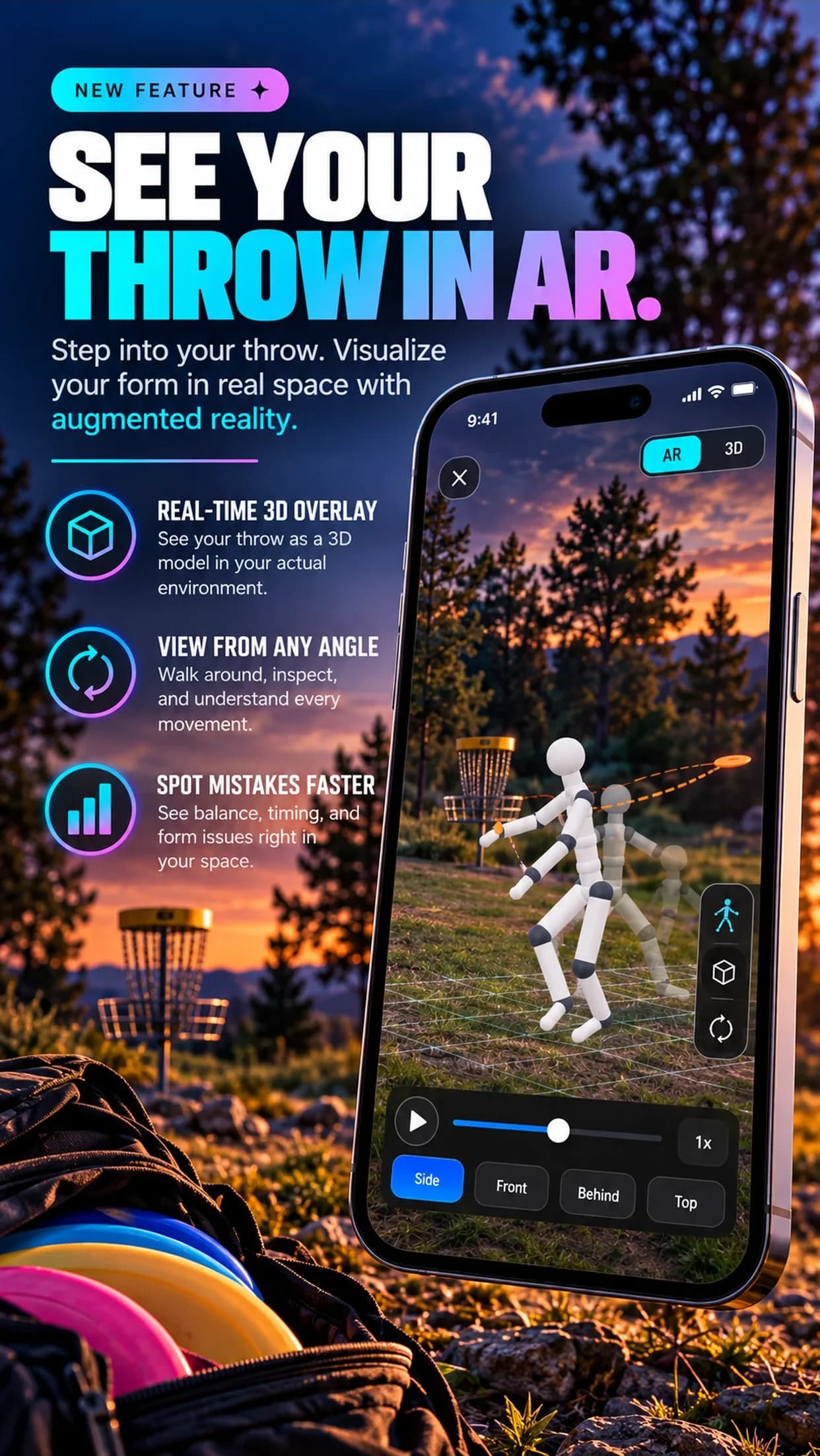
On iPhone, tap AR to place the throw on the real ground, life-size, half-size or tabletop. Enter your height and the figure scales to you.
FAQ
Questions
How does 3D Throw work?
You upload a normal phone video. The app estimates your full 3D body in every frame and rebuilds the throw as a 3D figure you can rotate, zoom and play back. No special camera or sensors are needed.
What can I do with a 3D throw?
View it from the side, front, behind or straight above, slow it to 1/4 or 1/2 speed, scrub frame by frame to your release, follow the hand trail, compare two throws side by side synced at release, and on iPhone place it life-size in augmented reality.
How many 3D throws can I build?
Each account can build up to two new 3D throws a day. Opening saved 3D throws and comparing them never counts toward that, and a build that fails is refunded automatically.
Does AR work on Android?
Not yet. The 3D viewer and Compare work on iPhone and Android; life-size AR placement is iPhone-only for now.
What video works best?
A 2 to 30 second clip with one person, the whole body in frame, a steady phone and good light. Trim it to just the throw.
Free for 3 days
Turn your next throw into 3D.
Join 15,000+ disc golfers using Disc Golf Form Analyzer on iPhone and Android.